Everyday cleanup
Quick Clean
Clear common caches and logs with a fast, focused scan built for regular Mac maintenance.
Quick Clean · Deep Scan · Duplicates
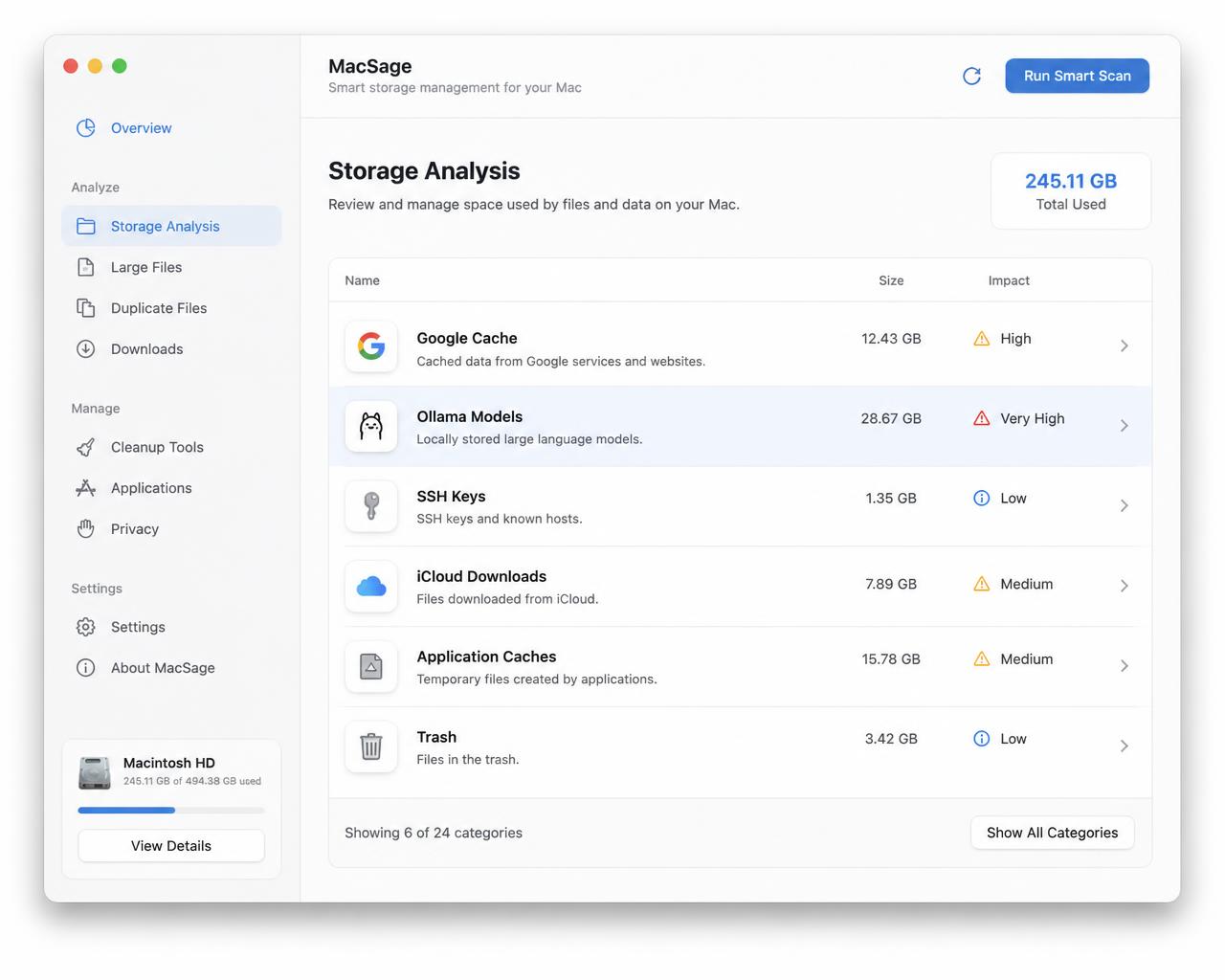
Clear everyday clutter, uncover overlooked storage, and find exact duplicate files—all locally, with a clear explanation before anything moves to Trash.
Private by design. Nothing leaves your Mac.
Built for the way you clean
Choose the scan that fits the moment. MacSage keeps every result understandable and every removal in your control.
Clear common caches and logs with a fast, focused scan built for regular Mac maintenance.
Look beyond the obvious to review large files, developer data, and storage-heavy app folders.
Find files with matching contents, compare their locations, and choose which original to keep.
Hidden-file protection
Hidden does not mean disposable. MacSage explains what each item is, shows the consequence of removing it, and protects essential system and app data before anything can move to Trash.
How it works
Three simple steps to reclaim storage without the guesswork.
MacSage analyses your Mac locally and surfaces what is actually taking up space.
For every item, see what happens if you delete it and whether it can be recovered.
You decide. MacSage only moves files to Trash, so nothing is gone until you empty it.
MacSage works entirely on your Mac and leaves every cleanup decision with you. Pay once during the launch offer—no recurring renewal.
Pay once. No subscription and no surprise renewal. The purchase checkout will be connected before release.
Claim the $29 offerOpens an email to Dacoid Labs while checkout is being prepared.
Frequently asked questions
Clear answers about how MacSage finds clutter, protects important files, and handles pricing.